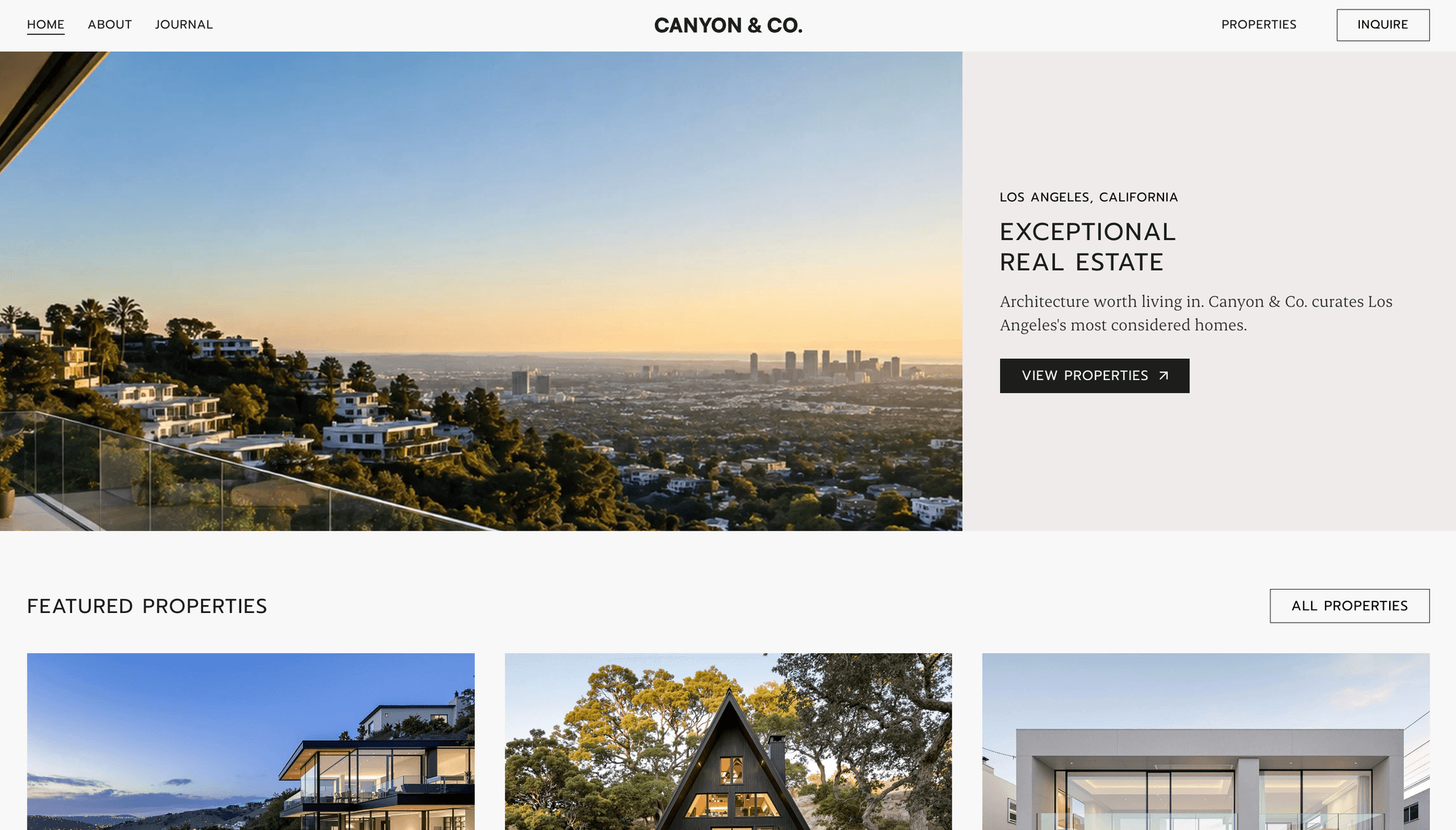
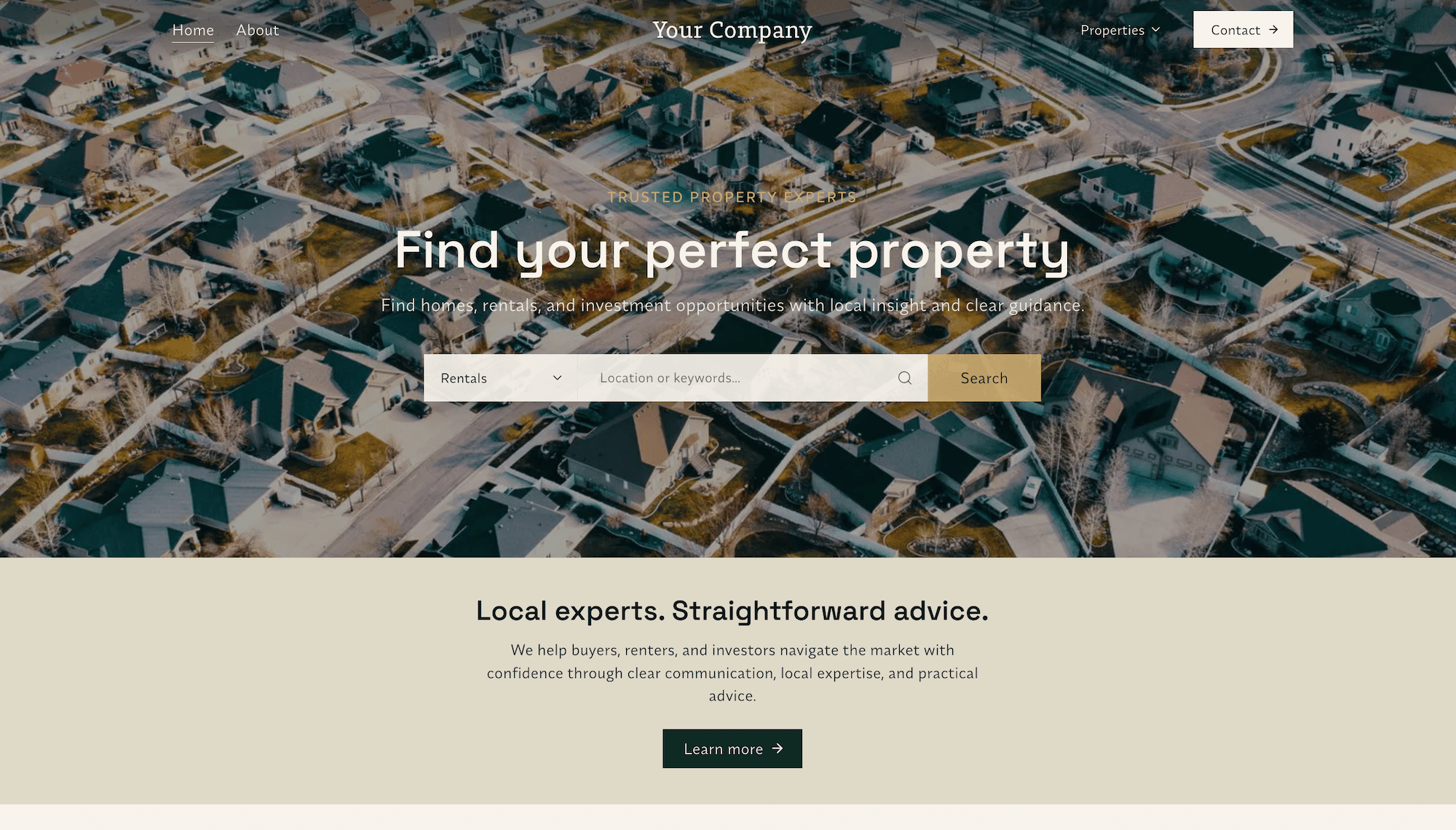
Most enquiries aren't lost to a competitor. They're lost to a full inbox, a note on a phone, and a viewing nobody followed up. Every Midtide site has a CRM built in, on every plan, so the enquiry your website captures is the same record you work through to a sale.
The problem with email
A contact form that sends you an email feels like enough until you have twenty of them. Then the enquiry from Tuesday is under a mortgage broker's newsletter, you can't remember whether you called the couple asking about the three-bedroom, and the only record of the viewing you booked is a sentence you typed to yourself in WhatsApp.
Nothing there is a website problem, which is why website builders don't fix it. They hand you the enquiry and stop. What you actually need is somewhere for it to live afterwards.
One inbox for everything
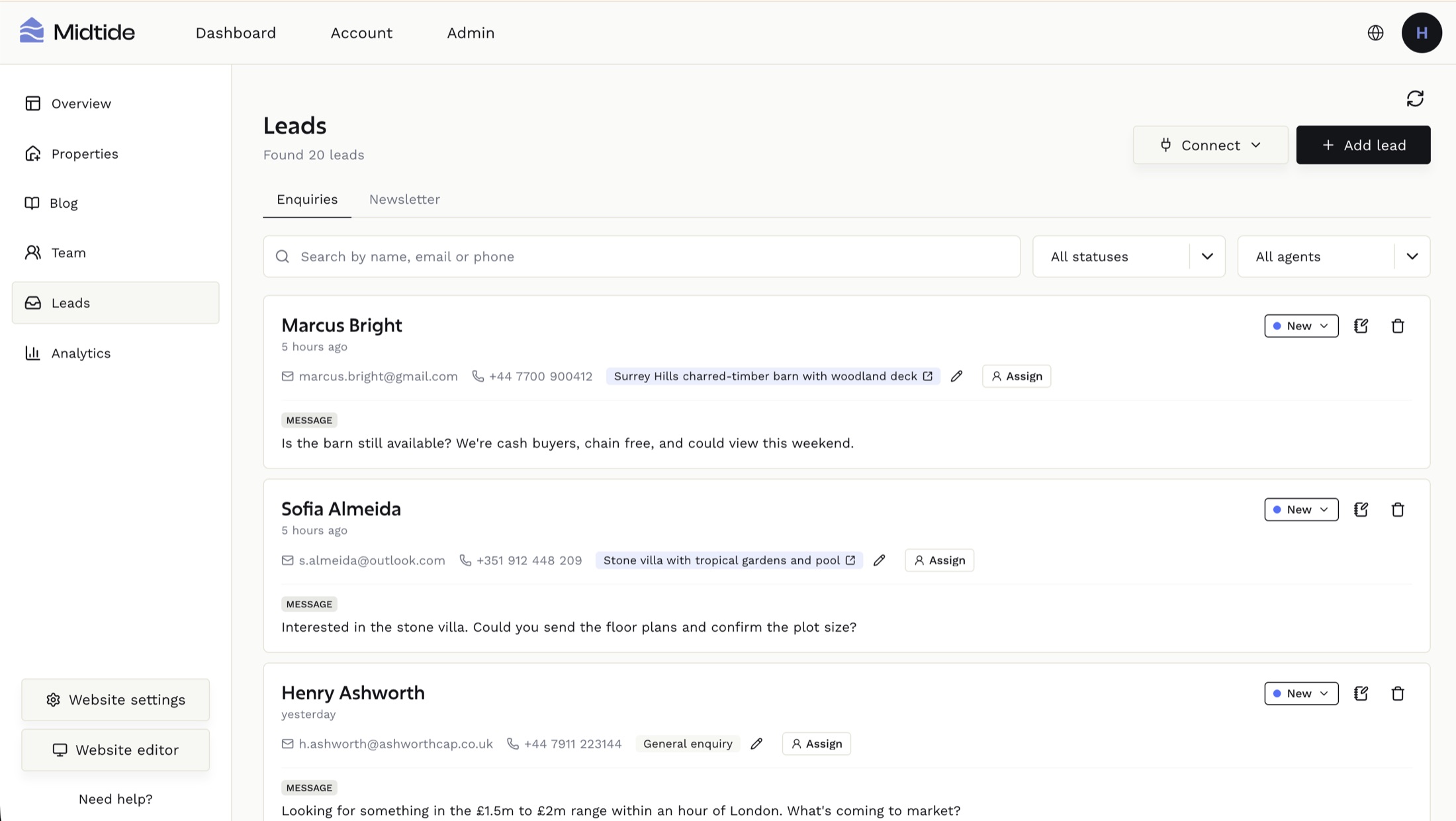
Every enquiry your site captures lands in the same place. Contact form submissions, enquiries sent from a specific property page, newsletter signups, and leads you add by hand after a call or a walk-in.
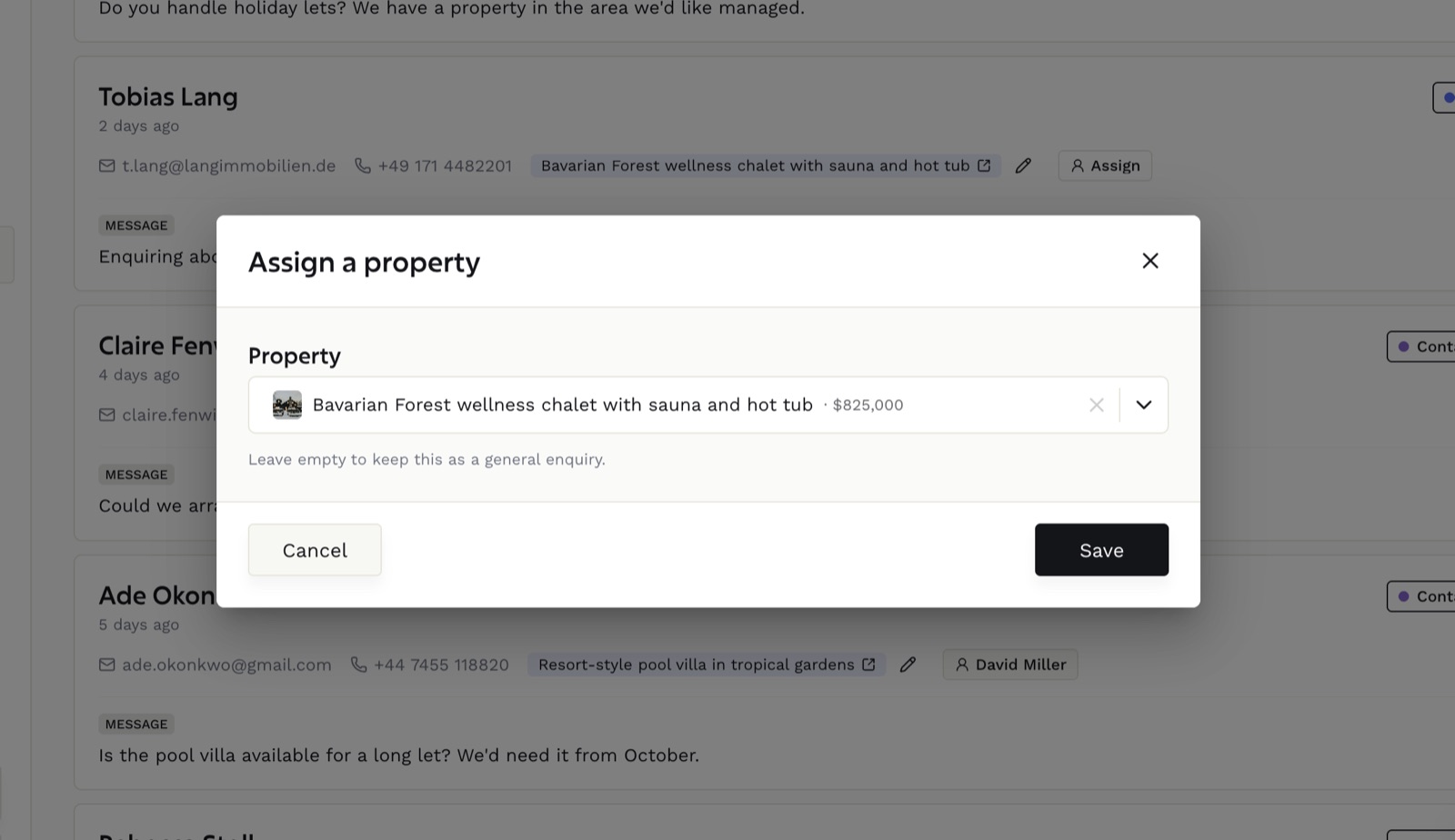
Each lead keeps the context it arrived with. If someone enquired from a listing, the property stays linked to the record, so you know what they were looking at before you pick up the phone. General enquiries can have a property attached later, once you know what they want.
Newsletter signups sit on their own tab. They're a different kind of contact and mixing them into your active enquiries only makes the list harder to read.
A pipeline that matches the job
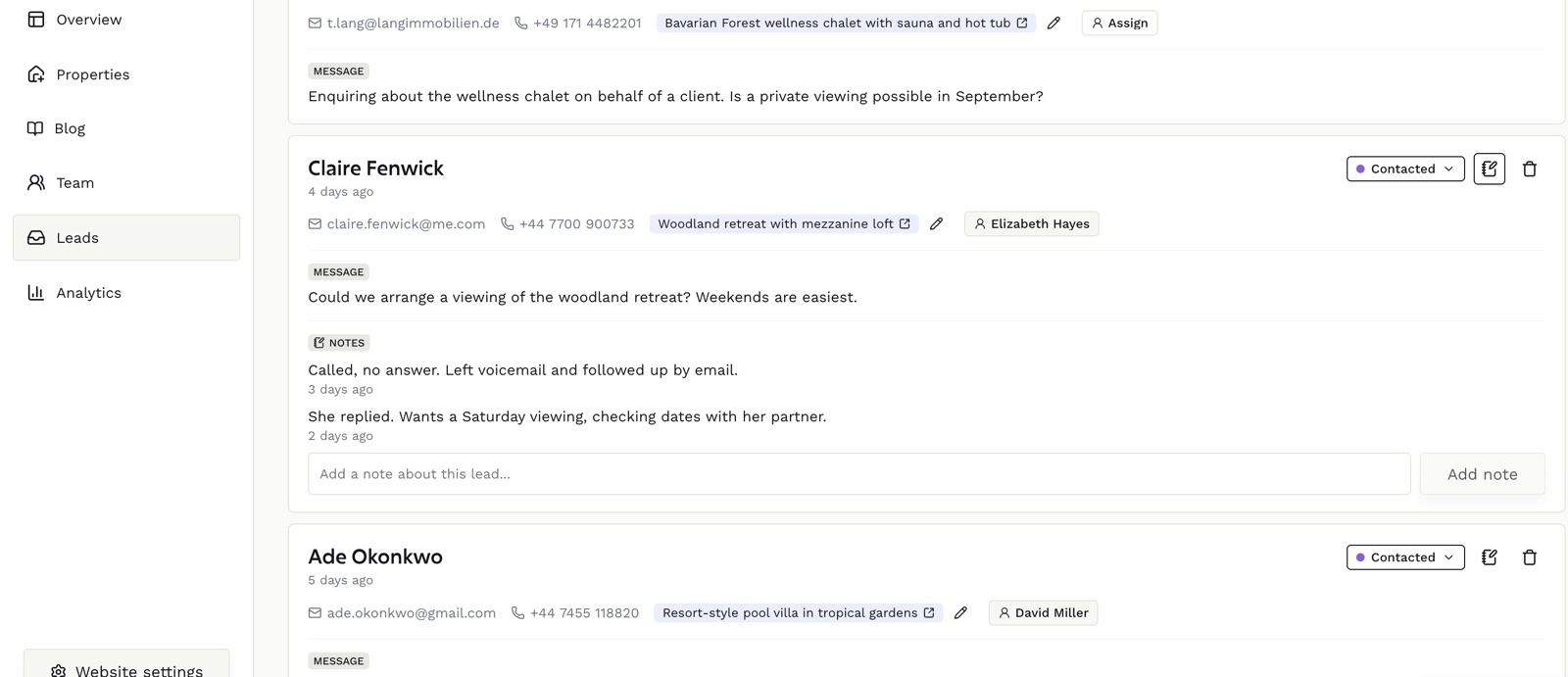
Every lead has a status, and the statuses are the ones a property sale actually moves through: new, contacted, viewing, offer, won, lost.
That isn't a generic funnel borrowed from software sales. A buyer who has booked a viewing is in a different position from one you emailed yesterday, and you work them differently. Keeping the stage on the record means you can open the dashboard and see what needs doing today rather than reconstructing it from memory.
- New. Just arrived, nobody has replied yet. This is your queue.
- Contacted. You've replied or called. Waiting on them, so it needs a chase date rather than another email today.
- Viewing. Booked in or already seen the property. The most valuable stage to keep accurate.
- Offer. Negotiating. Small in number, worth checking daily.
- Won and lost. Closed either way. Marking lost is worth the two seconds, because it's how the rest of the list stays true.
Notes are the part that pays off
Every lead takes timestamped notes. Called, no answer. Wants a second bedroom under 400. Sending the Uluwatu listing tomorrow. Partner flies in on the 14th and they want to view together.
This is the difference between a contact list and a CRM. Three weeks later, when someone you spoke to once replies to an old email, you open the record and know exactly where you left it. It's also what makes handing a lead to a colleague possible without a twenty minute conversation.
Working as a team
Leads can be assigned to an agent on your team, and filtered by who owns them. For an agency that's the difference between a shared inbox where everyone assumes someone else replied, and a list each agent can open to see their own work.
You can also filter by status, filter by source, and search across name, email and phone number. Useful when a buyer calls and you have thirty seconds to find them before you pick up.
Or run it from Claude
If you've connected Claude to your site, your leads are one of the things it can reach. Ask what came in this week, mark the three enquiries you called as contacted, add a note about a viewing, or pull up everyone still sitting at offer. It's the same records, updated the same way, without opening the dashboard.
We wrote about how that connection works in connecting Claude to your website.
If you already have a CRM
Plenty of agencies do, and we're not going to pretend you should throw it out. On paid plans you can connect an existing CRM or portal so listings and leads stay in sync rather than living in two places. Send us your feed URL or API credentials and we'll work through the setup with you.
What the built-in CRM is for is the agent who doesn't have one, and who would otherwise be running a serious business out of an email folder. That's most independent agents, and it's why this is on every plan including the free one rather than sold as an upgrade.
The short version
Your website's job doesn't end when the form is submitted. The enquiry lands in an inbox you actually work from, carries the property that prompted it, moves through a pipeline that matches how property gets sold, and keeps a written history so nothing depends on what you happen to remember.
Every Midtide site includes it. Start free and see your first enquiry land, or talk to us about connecting a CRM you already run.